Products Connect
Your MT5 broker, over plain HTTP.
A REST API for MetaTrader 5, running headless under Wine in Docker. Point it at a broker that offers MetaTrader 5 and qkt trades through it.
Test on a demo account first- Latest release
- v0.3.19
- Licence
- MIT
- Image
- Docker Hub, amd64
- API
- HTTP on :5001
- qkt
- mt5-gateway
- MT5 terminal
- Your broker
brokers:
  exness:
    type: mt5
    gateway_url: ${QKT_BROKER_EXNESS_GATEWAY_URL}
qkt reaches the broker through the gateway, at this address. The broker's name here is the prefix your strategy uses, like EXNESS:EURUSD. qkt waits for the gateway to report ready before it trades.
Source: mt5-gateway/docs/connect/qkt.md
curl -X POST http://localhost:5001/order \
  -H "Content-Type: application/json" \
  -H "Authorization: Bearer $API_KEY" \
  -H "Idempotency-Key: strategy-a-20260703-0001" \
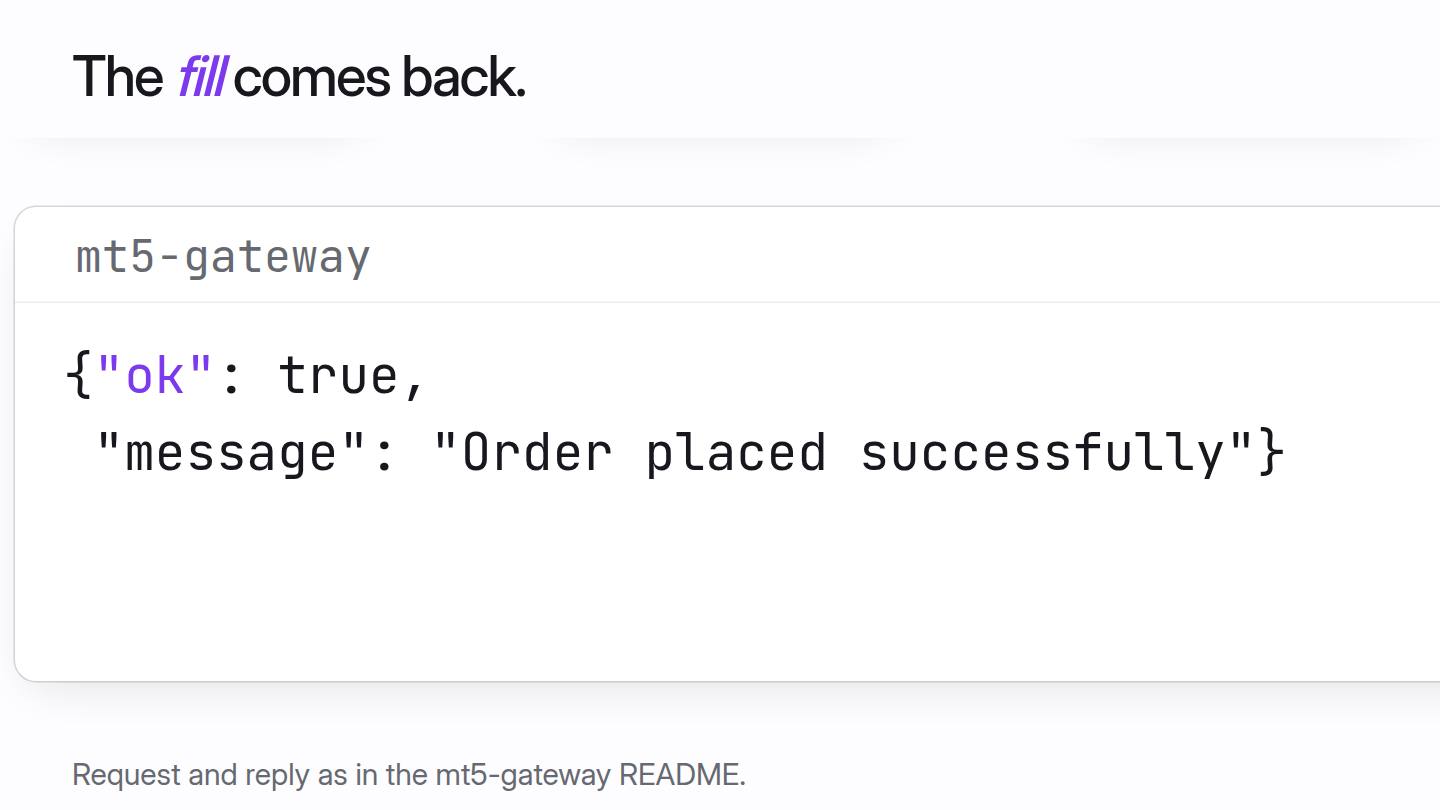
-d '{"symbol": "EURUSD", "volume": 0.01, "type": "BUY"}'{"ok": true, "message": "Order placed successfully", "result": {...}}The same Idempotency-Key and request replay the first answer, so a retry never places a second order. The same key with different parameters is a 409. A 502 unknown_outcome means the broker may have accepted it: check positions before retrying.
Source: mt5-gateway/README.md (the order example and its notes)
app/
├── routes/            Flask routes, one file per resource
├── pretrade.py        safety controls
├── kill_switch.py
├── idempotency.py
└── mt5_connection.py  the one serialized client into the terminal
Every call into the terminal goes through a single serialized client, because MetaTrader 5's Python API is not safe for concurrent access. That is why each broker account gets its own gateway container.
curl -H "Authorization: Bearer $API_KEY" http://localhost:5001/get_positions
curl -H "Authorization: Bearer $API_KEY" "http://localhost:5001/reconcile?magic=12345"
Positions, orders and recent deals can always be read back. When an order's outcome is unknown, that is how you find out what the broker did.
Source: mt5-gateway/README.md
In motion
An order, from qkt to your broker.
Follow one order through each hop. The gateway sits between qkt and the terminal, so qkt never touches MT5 directly.
Set up
Four environment variables.
The gateway logs itself in on boot, by broker server name, with no desktop and no manual login. qkt waits for its health check before it trades.
docker run -d --name mt5-gateway --restart unless-stopped \ -p 127.0.0.1:5001:5001 -p 127.0.0.1:3000:3000 -v mt5-gateway-config:/config \ -e MT5_LOGIN=12345678 -e MT5_PASSWORD='...' -e MT5_SERVER=Exness-MT5Trial9 \ -e MT5_ENABLE_ALGO_TRADING=1 -e API_KEY='...' elitekaycy/mt5-gateway-api:latestBuilt with safeguards
Designed to avoid duplicate orders, with a kill switch. Neither is a guarantee.
- Idempotent ordersEvery order carries a key. A retry replays the answer instead of trading twice.
- A kill switchOne call blocks new risk, even when your strategy engine is down.
- Identity guardsqkt refuses to start if the account, server or demo-or-real mode is not the one you expected.
Know the limits
What to expect.
- A large imageAbout 2.75 GB to pull, measured on an early release. amd64 only.
- A slow first bootThe first MT5 start can take several minutes. Later boots are quick.
- One account per containerRun one gateway for each account. They never share a Wine prefix.
- Not identical everywhereWorks with brokers that offer MetaTrader 5, if their terms allow automated, headless use. Check yours. Fill behaviour still varies by broker.
The path
- 1Write and testqkt engine
- 2Connect a broker or venueMT5 gatewayVenue gateway
- 3Set limits on the accountGuardrails
- 4Watch it runqkt Insights
Write your first strategy today.
One command to install. Eight lines to a backtest. Free and open source.